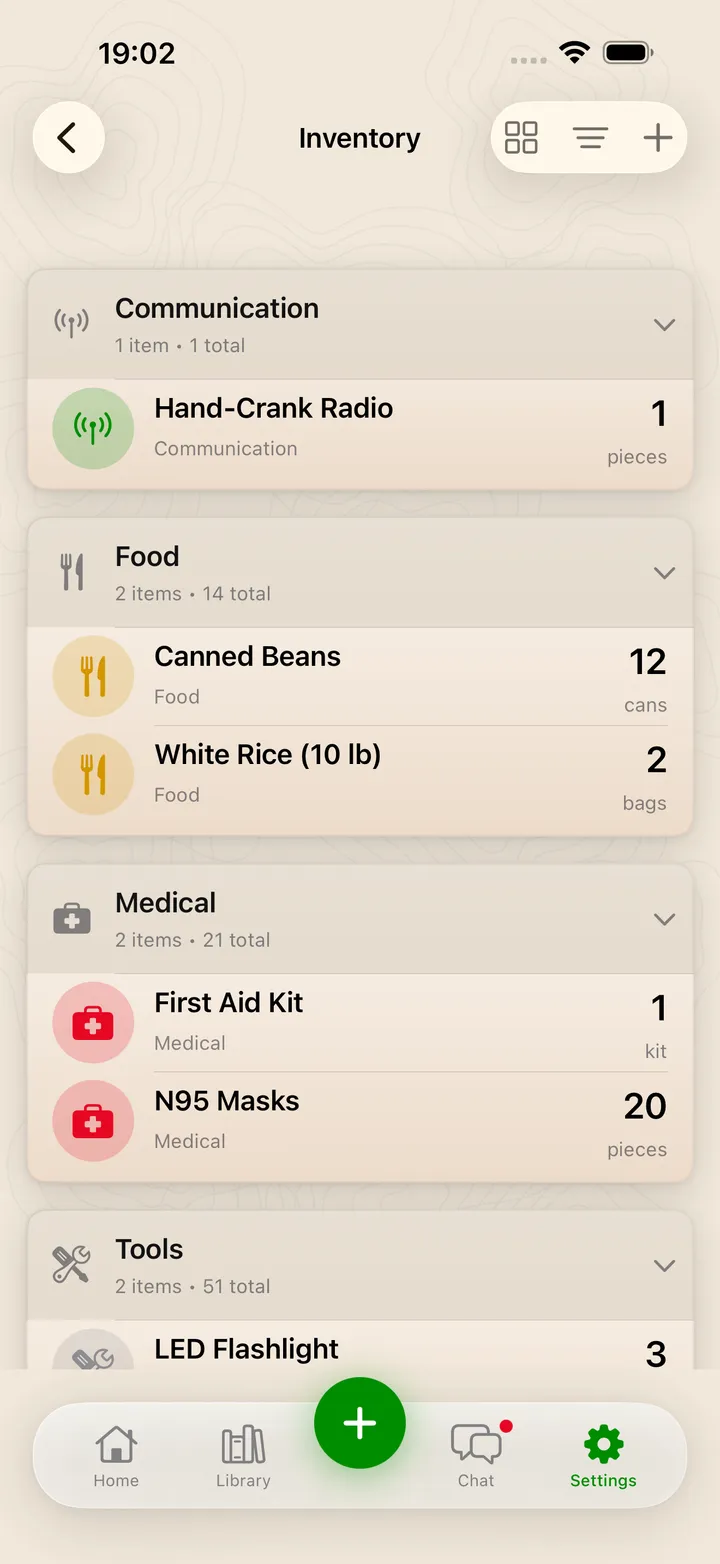
Know what you have before you need it
- 1Supplies grouped by category with item counts
- 2Quantities and units at a glance
- 3Sort, switch views or add an item
The SHTF App builds your personalized emergency plan, connects you with communities who have your back, and helps you develop the skills to handle disasters and life's curveballs.

The SHTF App is a free emergency-preparedness app for iOS and Android, available in the United States. Its purpose is to help individuals and families prepare for, respond to and recover from emergencies and natural disasters.
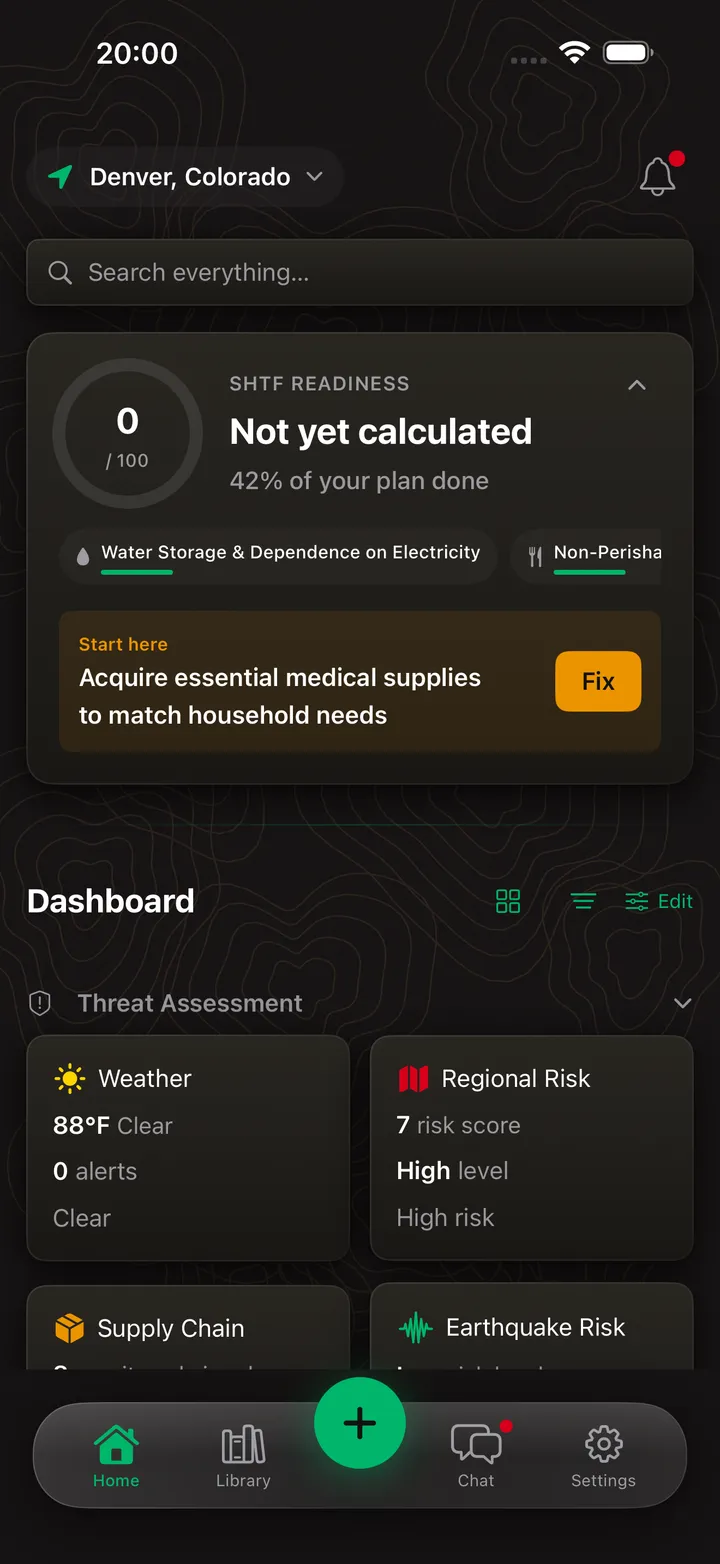
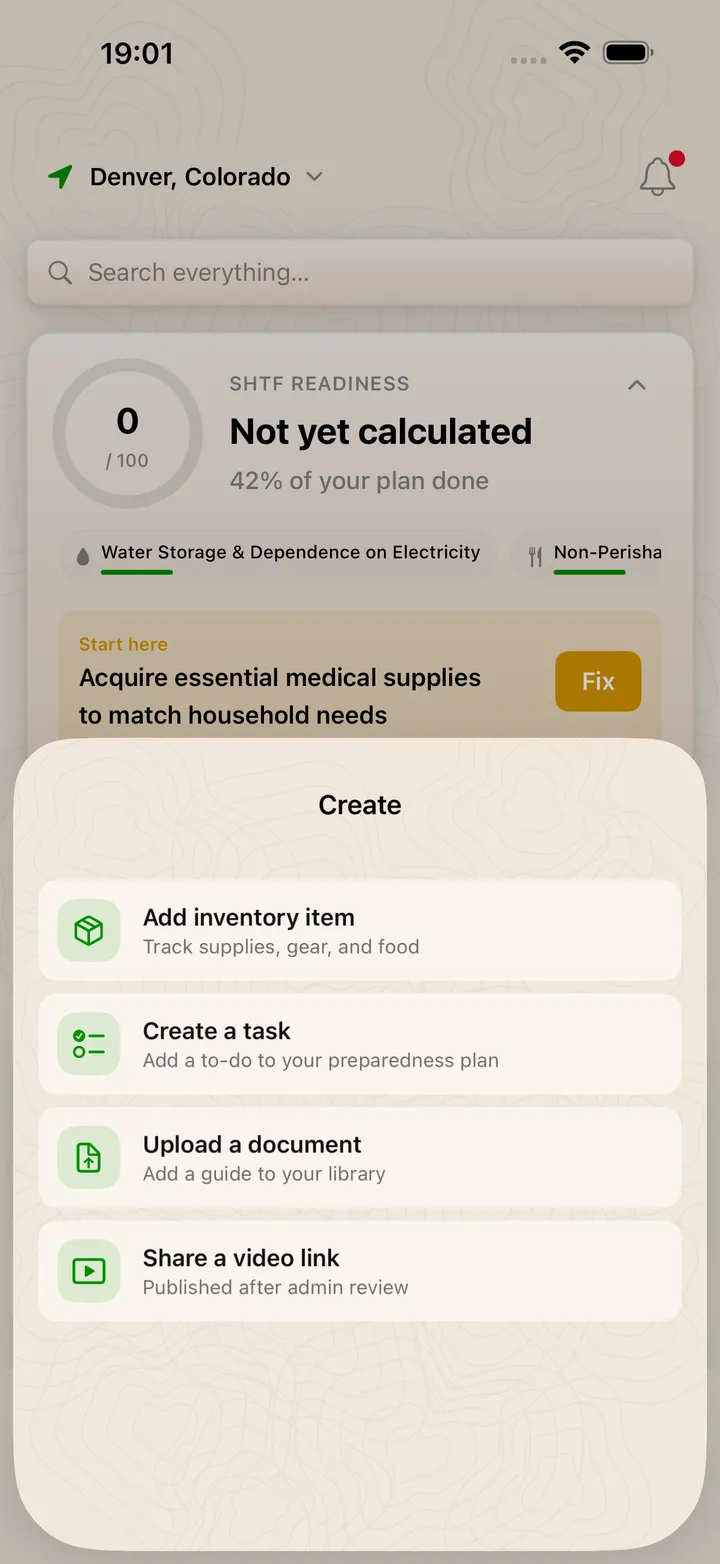
A 56-question survey builds your personalized plan around your location, household and risks. The dashboard tracks real-time weather, earthquake, wildfire and FEMA data for your area, plus your own supply inventory, expiration dates and readiness score. Join private groups to chat in real time with your household or team, and browse a community-built library of guides and documents. Everything works offline when connectivity is down.
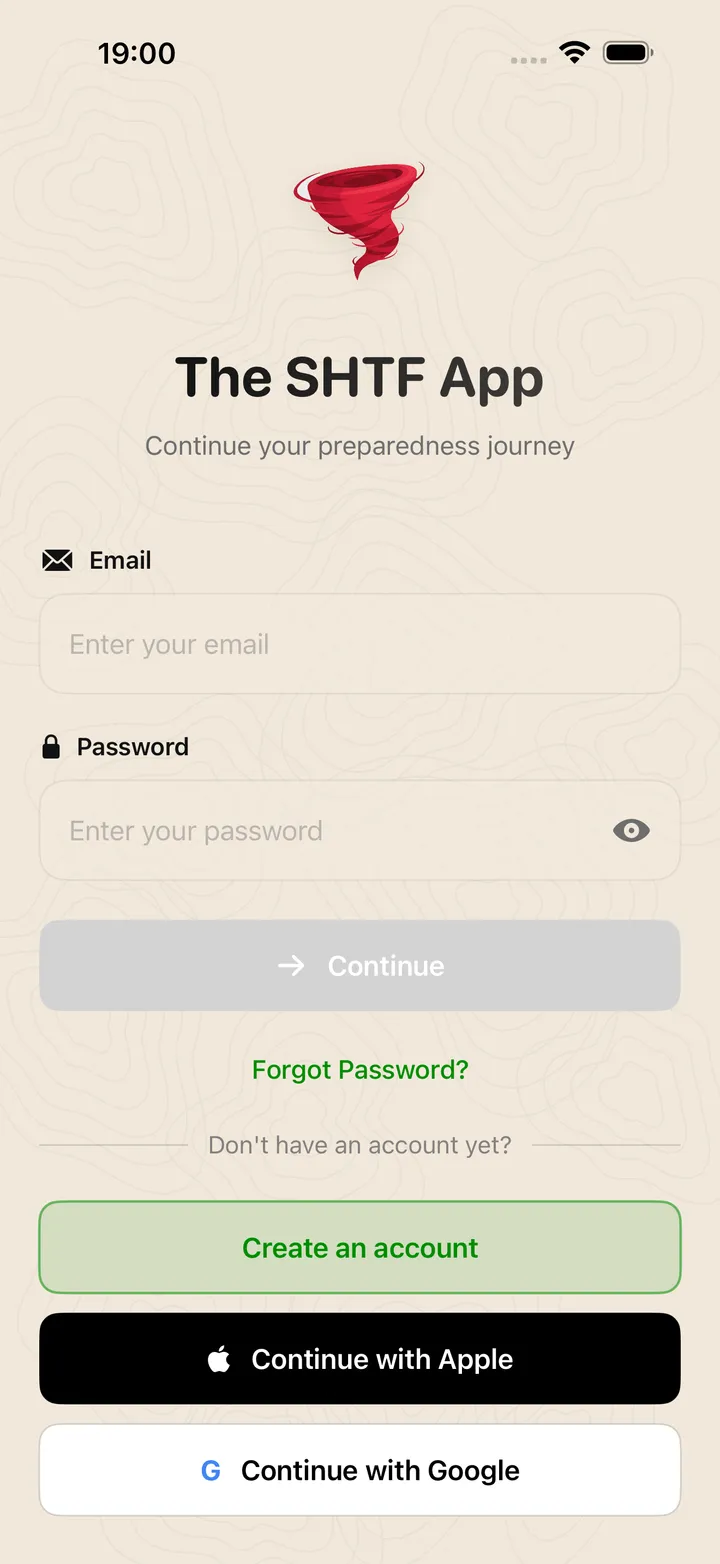
You can create an account with your email and password, or continue with Apple or Google. Social sign-in shares only basic profile details with us (your name, your email address and, with Google, your profile picture). We use them solely to create your account, sign you in securely and sync your plans across your devices. We never request access to anything else like your Gmail, Drive or Contacts. We never sell your information. For details, see our Privacy Policy and Terms of Service.
Personalized plans, real-time risk data and communities that have your back.
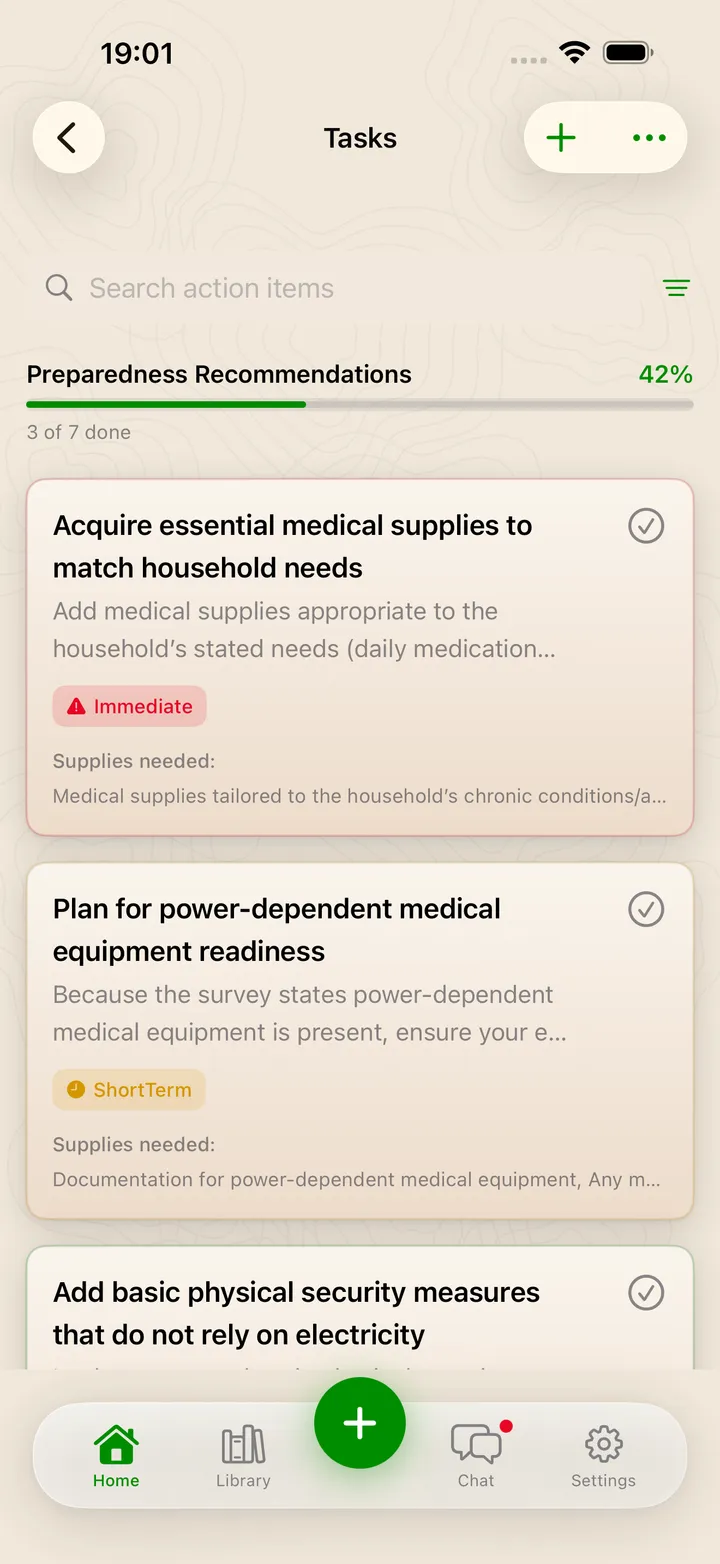
A 56-question survey builds a step-by-step plan around your household, your location and the risks you actually face.
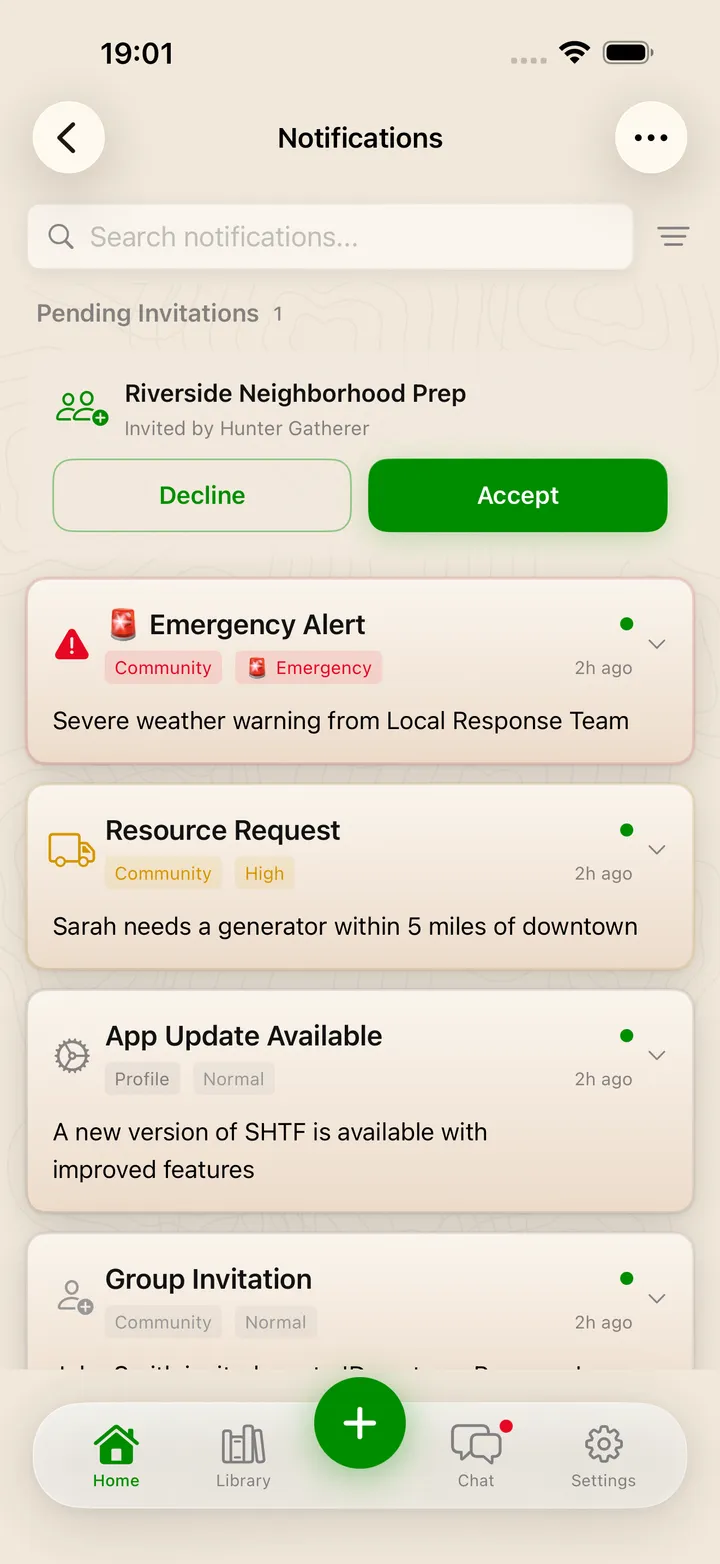
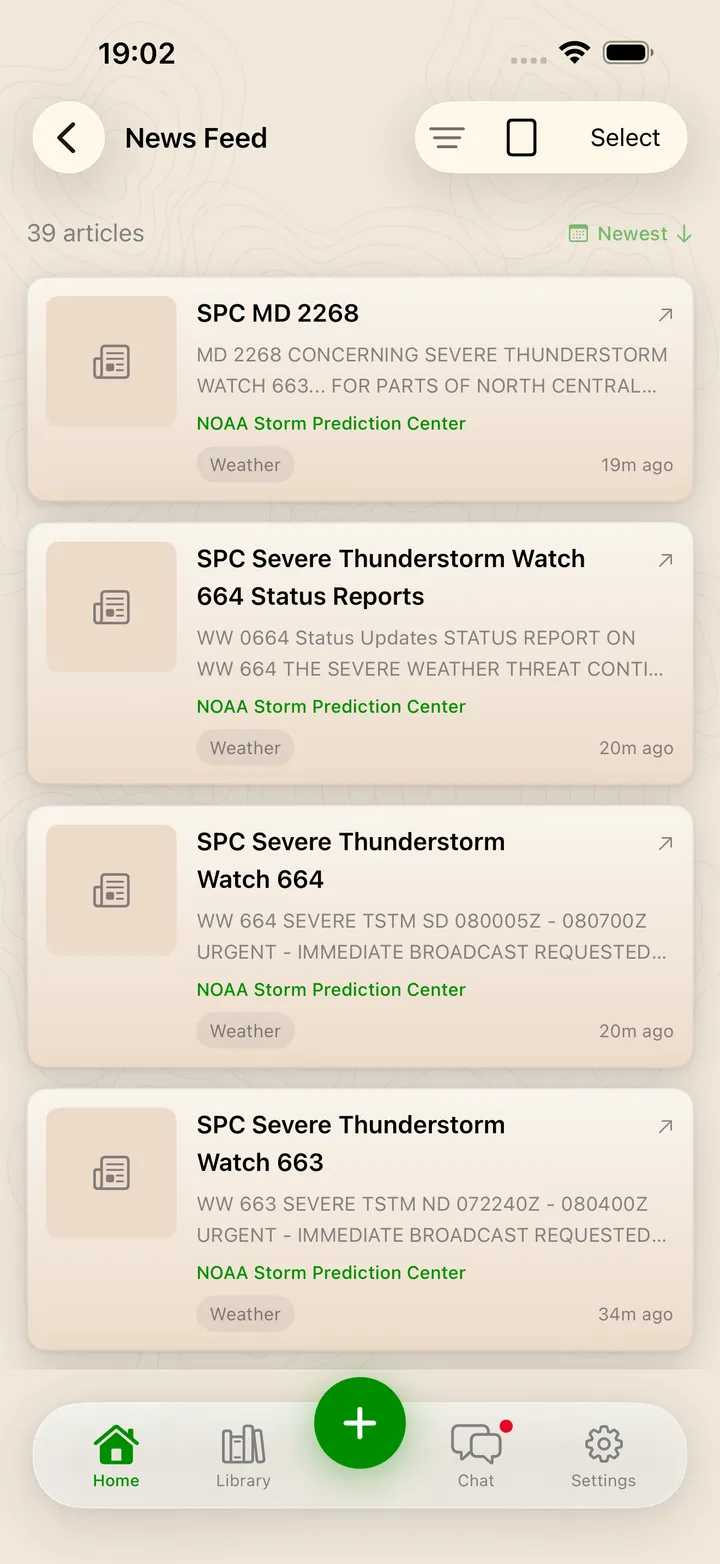
Real-time weather alerts, earthquakes, wildfires and FEMA disaster data for exactly where you live.
Track your supplies and scan labels to catch expiration dates before they catch you.
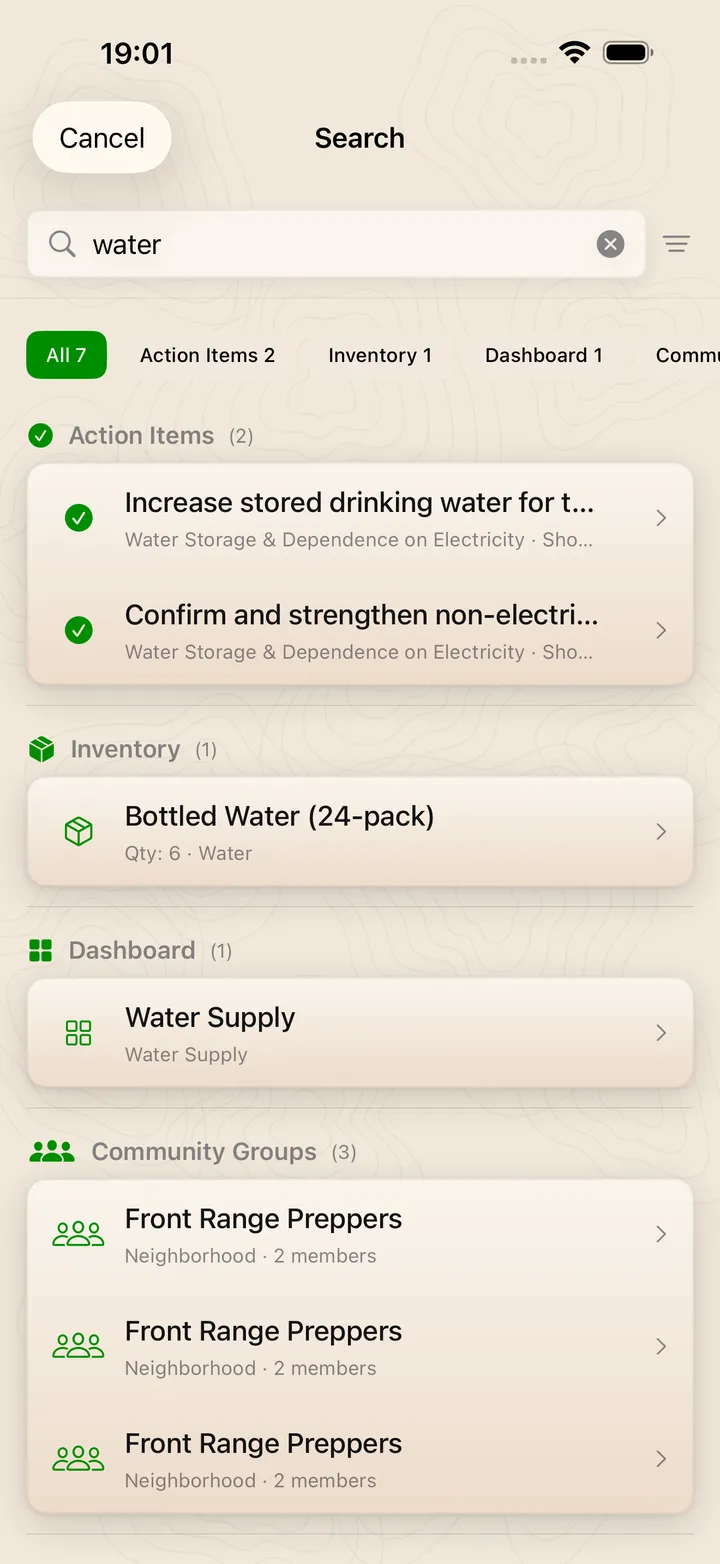
A community-built library of guides, documents and videos, all in one place.
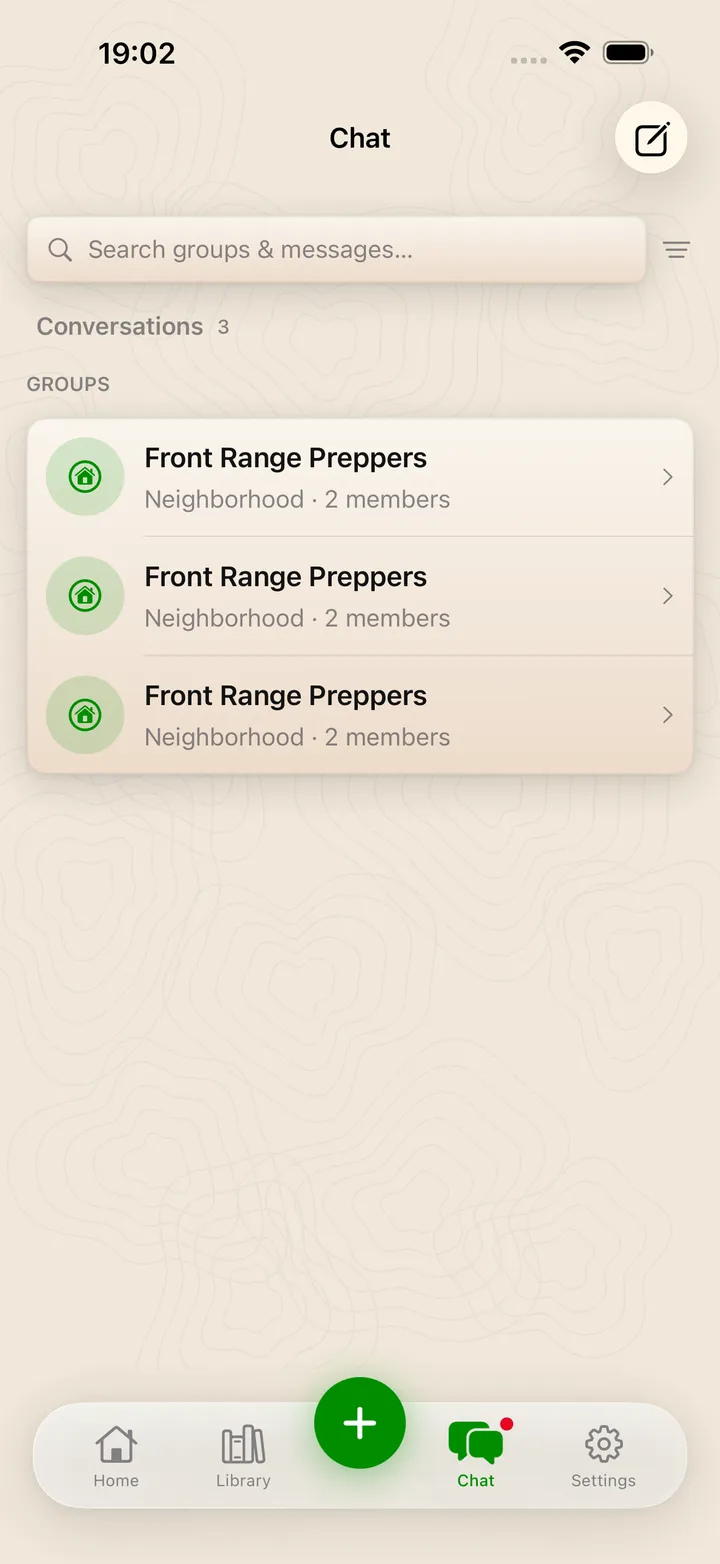
Message your group in real time or DM someone directly, moderated to keep it safe.
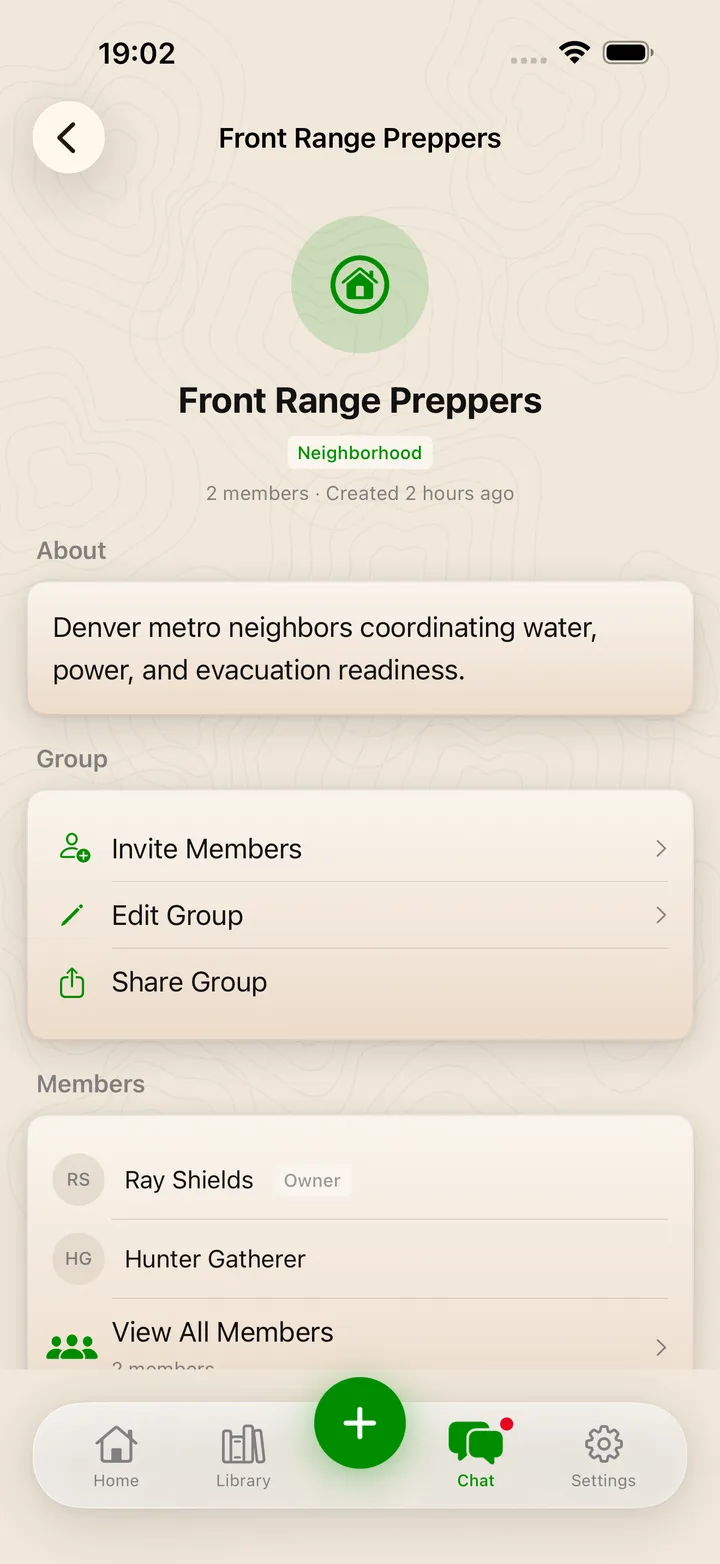
Build an invite-only circle for your household, neighborhood or team.
See your readiness score, track tasks, and watch your standing on the community leaderboard.
Your plans, guides and inventory stay available even when the network goes down.
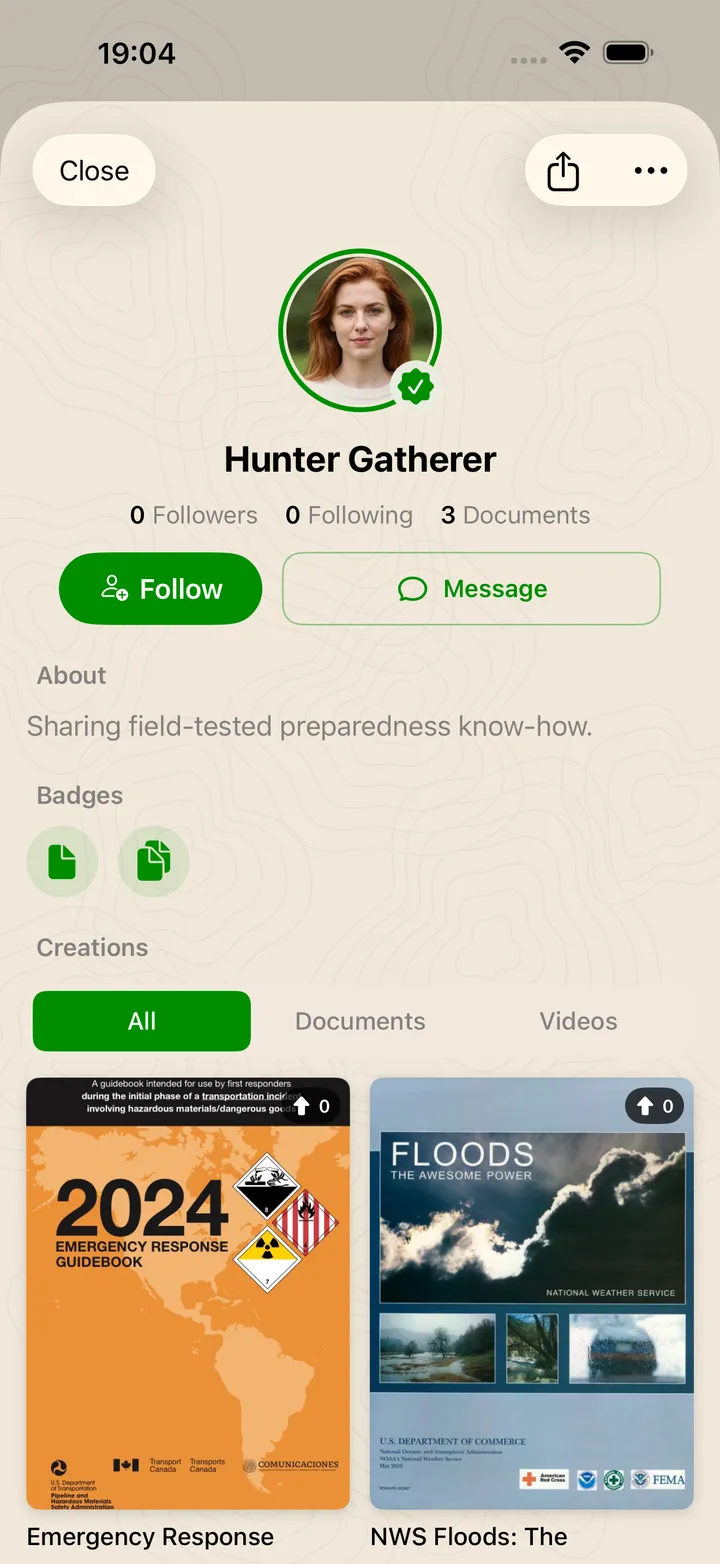
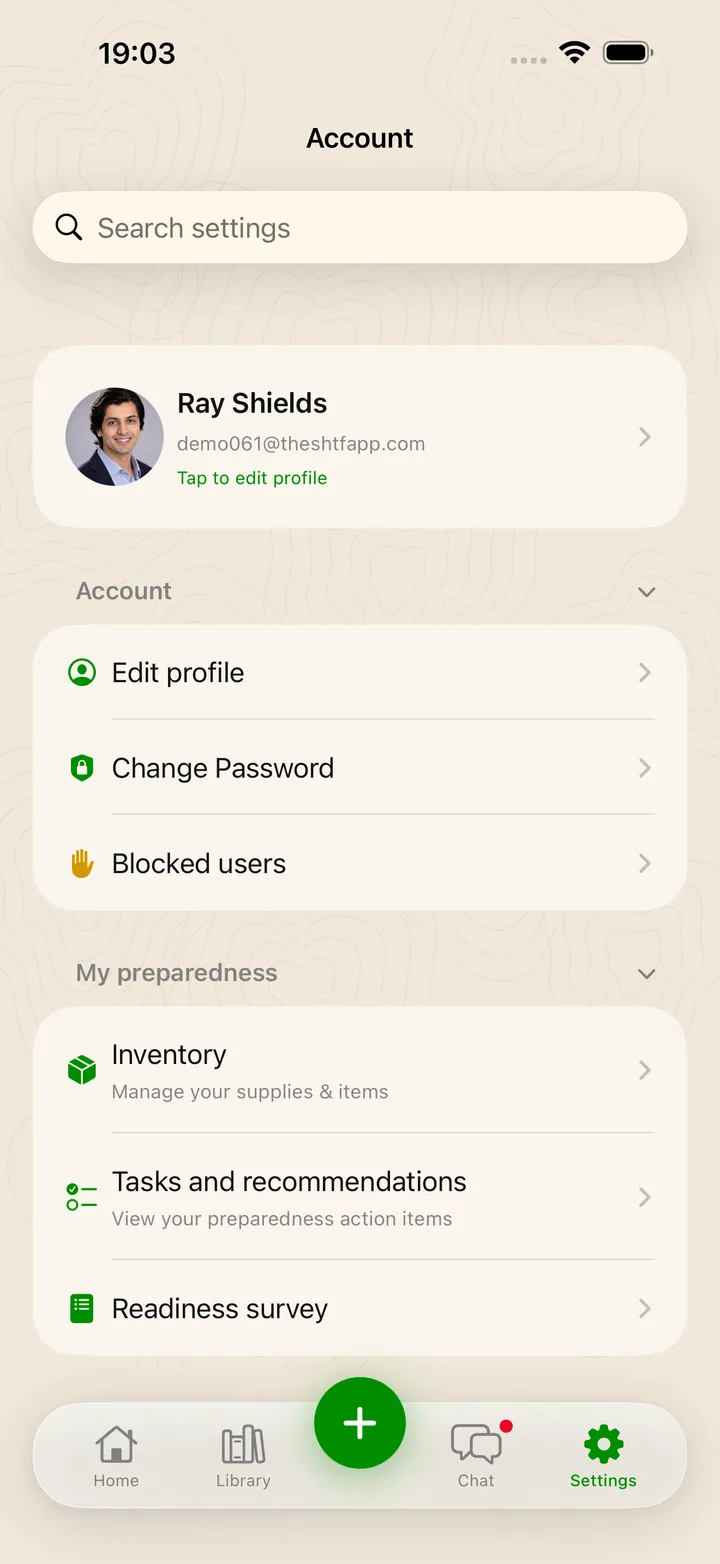
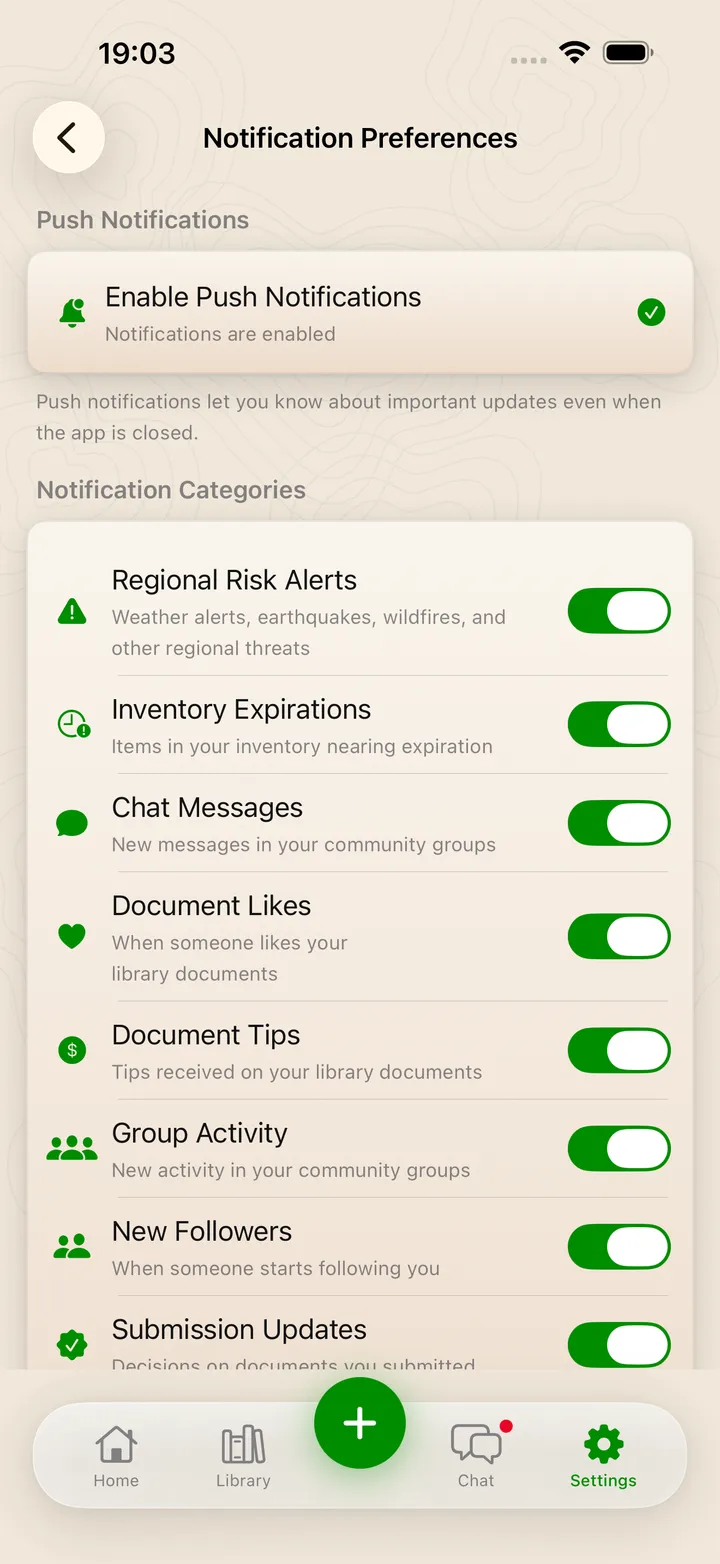
Real screens from the iPhone build with the key parts called out. Android looks the same.

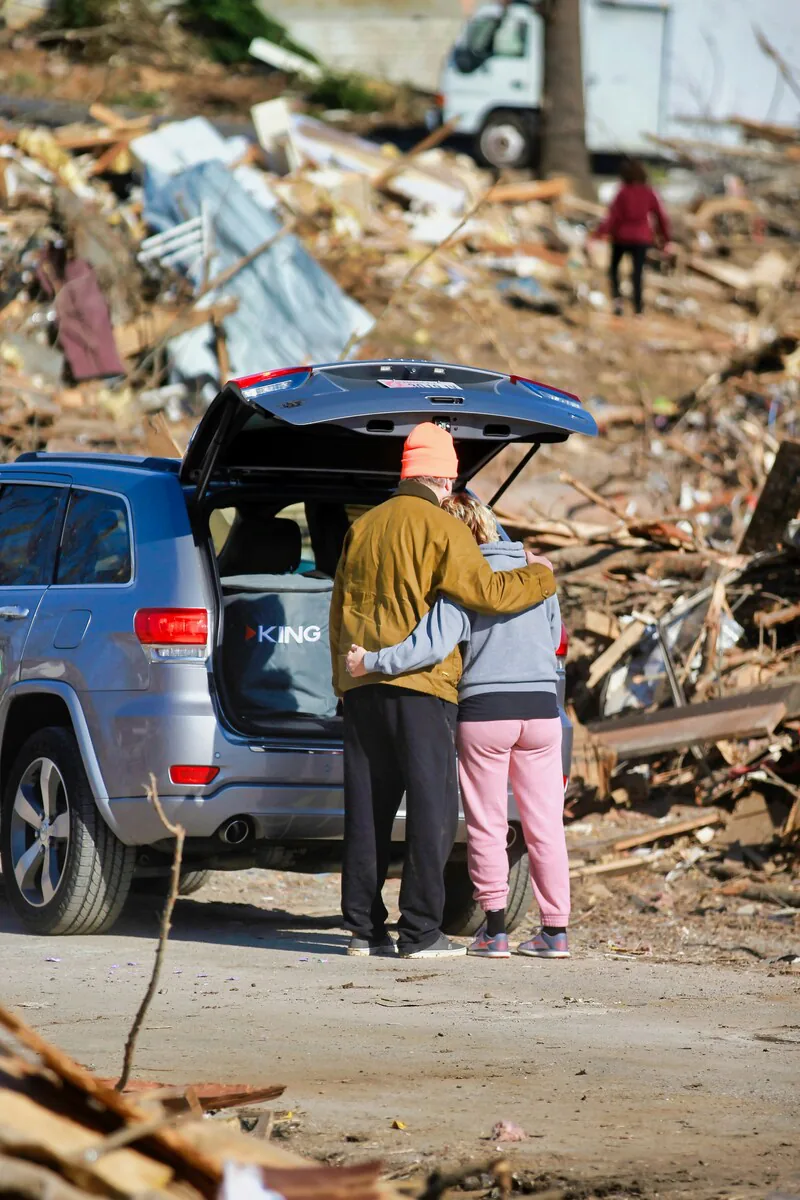
We are a family-built company that knows exactly what it feels like when things go wrong and how quickly life can go sideways. We have been there, we have felt that uncertainty and we decided to do something about it.
The right tools shouldn't be a luxury only for the rich, they are a necessity for all. The SHTF App is our way of putting professional knowledge into the hands of real people.
From our family to yours: let us make sure you are ready for whatever life throws at you.
Coming soonFind answers to common questions about The SHTF App and how it can help you prepare for emergencies.
The SHTF App is a comprehensive emergency preparedness application designed to help individuals and families create personalized survival plans, track emergency supplies, follow real-time risk data for their area, connect with private groups through chat and DMs, and access a community-built knowledge library. It's your all-in-one toolkit for emergency readiness.
The SHTF App is launching soon on iOS and Android, free in the U.S. It is on its way to the App Store and Google Play. Check back on this page to download it the moment it is available.
The SHTF App will be available on iOS and Android devices in the United States at launch. The data will sync across all your devices.
You can create an account with your email and password or continue with Apple or Google. Social sign-in shares only your basic profile details with us, meaning your name, your email address and, with Google, your profile picture. We use them solely to create and secure your account. Read more in our Privacy Policy.
Creators who share guides, documents and videos build a public profile with view and like tracking, an analytics dashboard on what's resonating, and placement on our community achievement leaderboards. It's how the most helpful contributors get seen.
Absolutely. We take data security very seriously. All your information is encrypted both in transit and at rest. We use industry-standard security protocols to protect your personal data and emergency plans. Additionally, you can choose to store critical information locally on your device only, without cloud backup.
Yes! This is one of our core features. The SHTF app is designed to function during emergencies when internet connectivity may be unavailable. You can access your emergency plans, survival guides and pre-downloaded maps completely offline. The app will automatically sync your data when connection is restored.
The SHTF App stands out with its personalized approach to emergency preparedness. Rather than generic checklists, a 56-question survey analyzes your specific geographic risks, household needs and personal circumstances to create a customized emergency plan. We also offer unique features like a live dashboard pulling official weather, earthquake, wildfire and FEMA data for your area, supply expiration tracking, and private groups with real-time chat to coordinate with the people you trust.
Yes! We built this so you would never have to face a crisis alone. You can create private, invite-only groups, whether that is a small circle for your household or a larger one for your team or neighborhood. Chat with the group in real time or DM someone directly to coordinate and make sure everyone knows their job. It is about getting your "pack" on the same page before the pressure is on.
Yes. Every feature is free for everyone, with no subscription, ever. There is no cost to download the app, join groups or build your emergency plans.
The SHTF App is live on Google Play. Download it today on Android. The iOS version is coming soon to the App Store.
Have questions about The SHTF App? We are here to help. Reach out to our team any time.
support@missioncredible.com